Track your shifts
Start and end times, unpaid breaks, or manual hours. Record work the way it happened.
 Timvello
Your working life, in focus
Track your shifts, monitor earnings, manage employers, and stay in control of your work.
For iPhone · No account required · Ten languages
Features
From your first shift to your next payment, keep the details together.
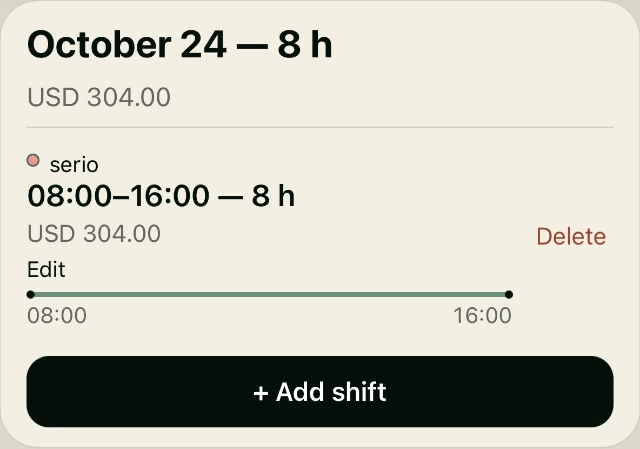
Start and end times, unpaid breaks, or manual hours. Record work the way it happened.
See earnings based on your employer’s rate. Saved shifts keep their historical payment details.
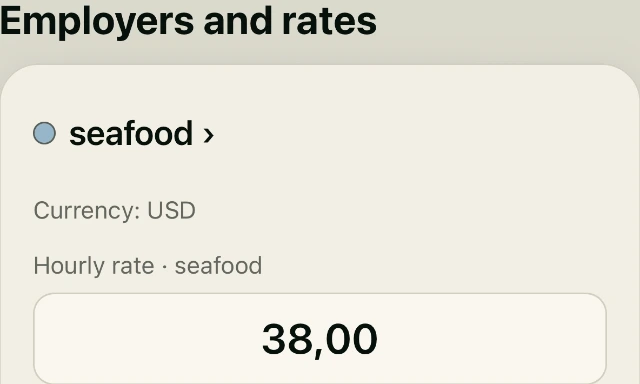
Give each employer a color, hourly rate and currency. Keep your jobs distinct.
Record what you receive and see what remains owed. Partial payments and overpayments stay visible.
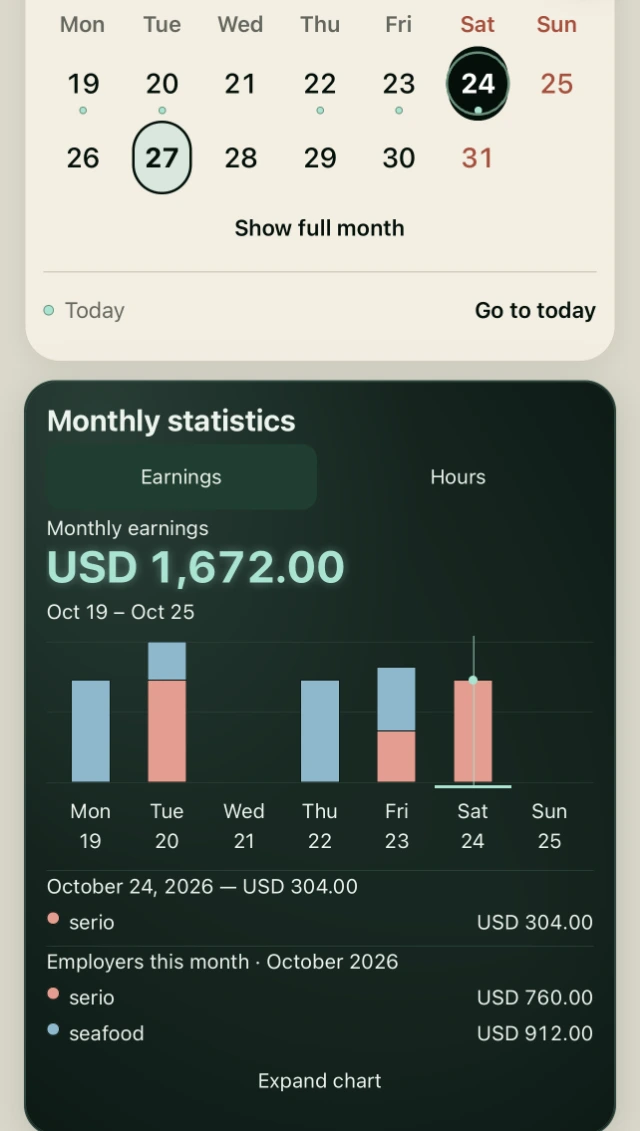
Move between hours and earnings, inspect a day, or expand your view of the month.
Create a .workhours file and choose where to keep it. Restore a trusted backup when needed.
A month, made clear
One chart brings your employers together. Each colored segment belongs to a real day of work.
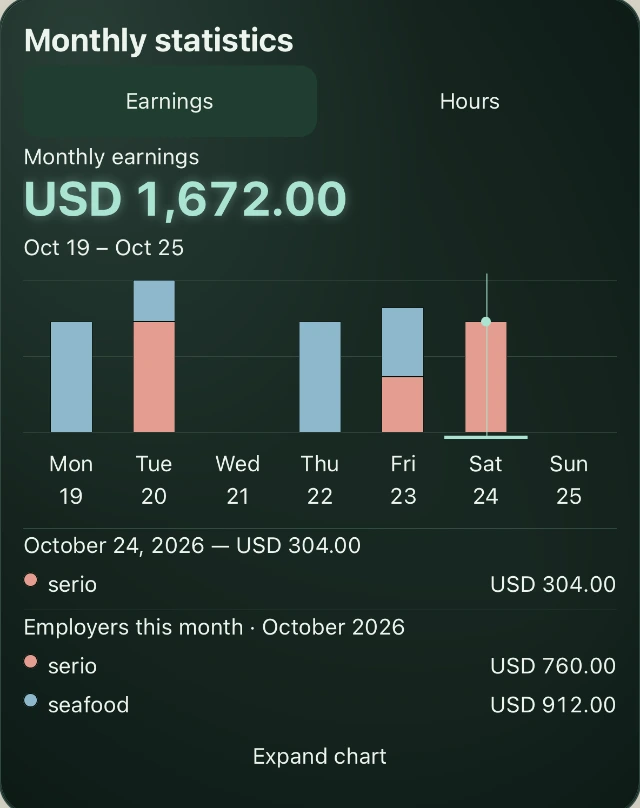
Your dates, hours and earnings stay together. Open a day to review the work behind the numbers.
Set rates where they belong: with each employer. Update new work without rewriting your history.
How it works
Choose a name, color, hourly rate and currency for each company.
Select a day and employer. Enter your times or add worked hours manually.
Review your month, record payments and keep an eye on each balance.
Privacy first
Work tracking starts on your device. You decide when to create a backup and where to save it.
Read our Privacy Policy ↗Keep a copy, on your terms
Use the iOS share menu to save your backup in Files, including iCloud Drive. This is a manual backup, not automatic cloud sync.
Read the backup guide ↗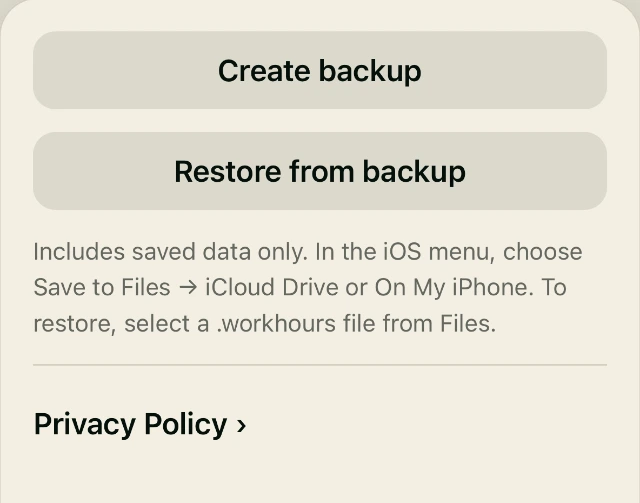
Support
Find answers about shifts, employers, payments and backups, or get in touch.
revpixelstudio@gmail.com